Introduce Yourself with a Member Tag in Groups!
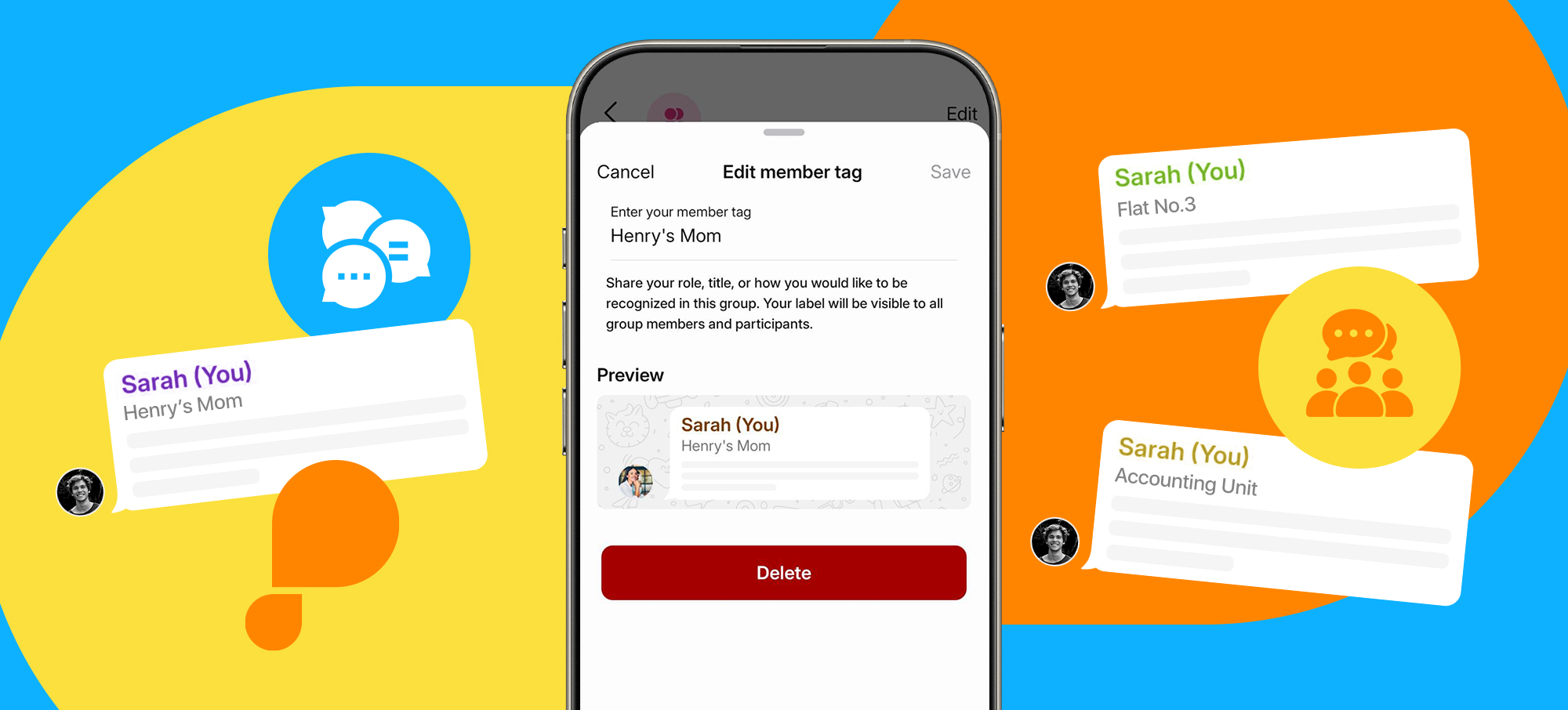
Reminding others who you are in crowded group chats has never been easier! You can now add a member tag to yourself in BiP groups. Share your role, title, or how you’d like to be known; your tag will appear right below your name in your messages. “Tom’s dad,” “3rd floor,” “Marketing Team”… In secure messaging, however you want to be known!
Your Member Tag is Always in Your Control!
You can edit or delete your member tag whenever you want. Even in large groups of up to 1000 people, you can use a different tag in every group to introduce yourself the right way.
How to Add a Member Tag on BiP?
Open the group chat and tap the group name at the top to go to group info. Tap “Add member tag” under your name in the members list, type your tag, and hit Save. That’s it! To discover other BiP features and enjoy instant messaging, download BiP now.